Problem overview
The method columnSums receives grid, a list of rows of integers, and returns a list with the sum of each column, from left to right. Column c is made of the value at position c in every row. Every row has the same number of values.
For [[1, 2, 3], [4, 5, 6]] column 0 holds 1 and 4, column 1 holds 2 and 5, and column 2 holds 3 and 6, so the result is [5, 7, 9]. For [[2, -1], [3, -1], [-5, 7]] the result is [0, 5]. A grid with one row, [[4, -2, 9]], gives [4, -2, 9], because each column holds a single number.
Approach: loop over column numbers first
A grid is stored as a list of rows, so a column is not a list you can loop over directly. It is spread across the rows: its numbers are grid[0][c], grid[1][c], grid[2][c] and so on. To read it you need indexes.
That changes the loop order compared with row sums. The outer loop now picks a column number, and the inner loop goes down the rows, reading that column's value from each one. Because the outer loop goes from column 0 to the last column, the sums come out in column order.
Step by step
- Start an empty list named
sums. It gets one sum per column. - Loop
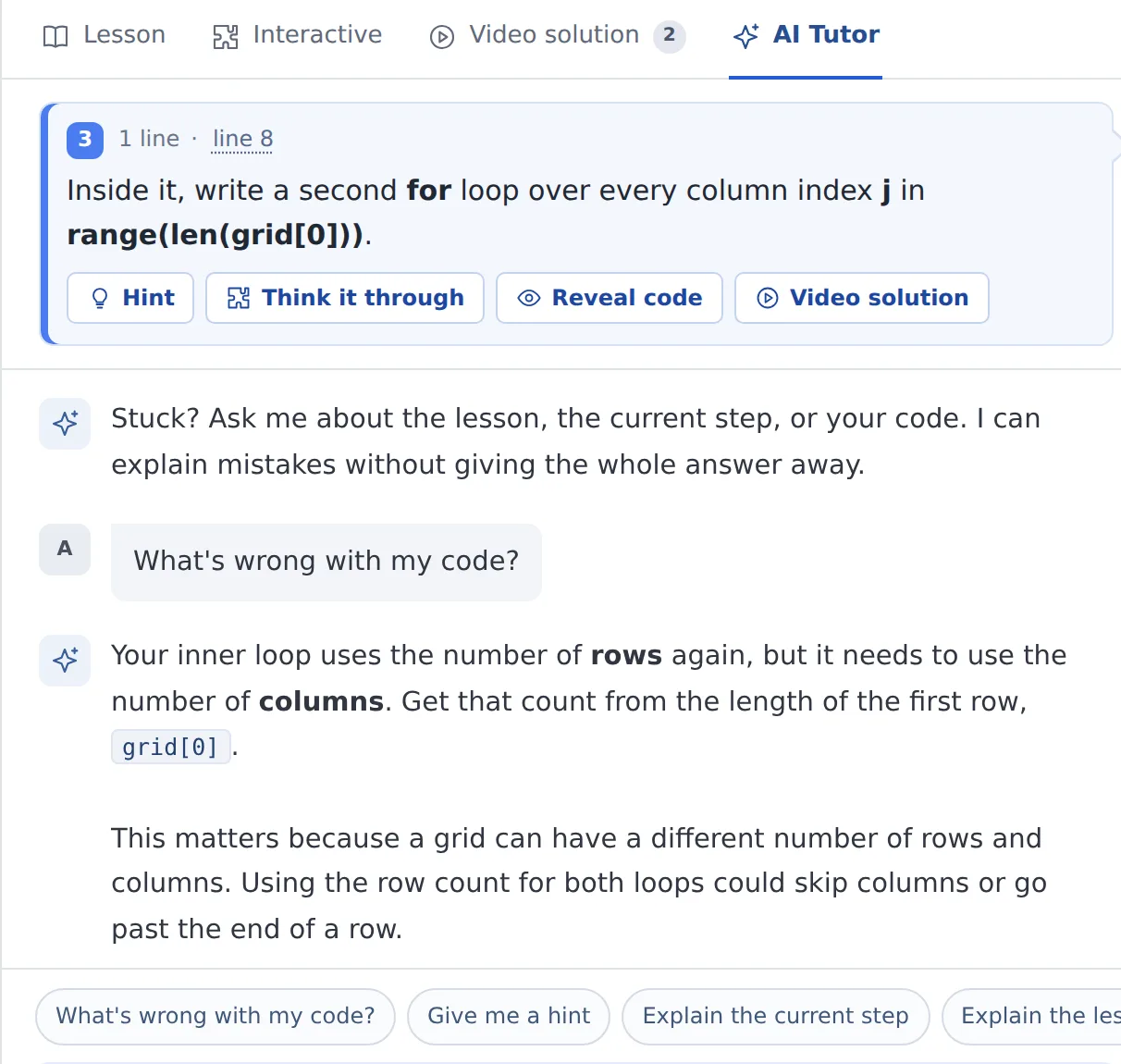
coloverrange(len(grid[0])). Every row has one value per column, so the length of the first row is the number of columns. - Create
total = 0inside that loop, so each column starts from zero. - Loop
rowoverrange(len(grid)), the index of every row. A column has one number in every row. - Add
grid[row][col]tototal.grid[row]is a whole row, and[col]picks this column's number from it. - Append
totaltosumsafter the inner loop, still inside the outer one. Every row's number in this column has been added by then. - Return
sumsafter the outer loop.
The solution in Python
class Solution:
    def columnSums(self, grid: List[List[int]]) -> List[int]:
        sums = []
        for col in range(len(grid[0])):
            total = 0
            for row in range(len(grid)):
                total += grid[row][col]
            sums.append(total)
        return sums
Python details:
len(grid)is the number of rows;len(grid[0])is the number of columns. For the first example they are 2 and 3.- The row index comes first.
grid[row][col]reads "rowrow, then columncol". Swapping them reads a different cell, or raises anIndexErrorwhen the grid is not square. - Here
rowis a number, not a list. In the row-based lessonsrowwas a list; this loop uses range indexes, so the name holds an integer. grid[0]needs a first row. On an empty list it raisesIndexError: list index out of range. The lesson guarantees at least one row.
Python can also flip a grid: zip(*grid) yields the columns as tuples, so [sum(c) for c in zip(*grid)] returns [5, 7, 9] for the first example. The indexed loops make the same thing explicit.
Edge cases and common mistakes
- Using the row count as the number of columns. With 3 rows and 2 columns,
range(len(grid))would try column 2 and fail with anIndexError. In the other direction, a wide grid would get too few sums. - Swapping the loops. With rows on the outside you would produce row sums, not column sums.
- Not resetting
total. It must be created inside the outer loop, or column 1 would include column 0's numbers. - Returning inside the outer loop, which gives only the first column's sum.
- One row. Each column holds one value, so the result is a copy of that row's values.
Testing
[[1, 2, 3], [4, 5, 6]]gives[5, 7, 9].[[2, -1], [3, -1], [-5, 7]]gives[0, 5].[[4, -2, 9]]gives[4, -2, 9].