Problem overview
The function transpose receives matrix, a list of m rows with n integers each. It returns a new grid with n rows and m columns in which the value at row i, column j of the input sits at row j, column i. Row 0 becomes column 0, row 1 becomes column 1, and so on.
For [[6, 0, -3], [2, 9, 4]] (2 rows of 3) the result is [[6, 2], [0, 9], [-3, 4]] (3 rows of 2). A single column such as [[7], [-1], [5], [10]] turns into the single row [[7, -1, 5, 10]]. The statement asks for O(m * n) time, which means every value is touched a constant number of times.
Approach: build the answer cell by cell
The rule "matrix[i][j] goes to result[j][i]" is the whole algorithm. Visit every cell of the input once and copy it to its mirrored position. What needs a little care is the shape: when the input has m rows and n columns, the output has n rows of m values, so the output must exist, with the right size, before any copying starts.
A square matrix could be transposed in place by swapping matrix[i][j] with matrix[j][i]. A rectangular one can't, because the result has a different shape from the input. That is why the lesson builds a new grid.
Step by step
- Read the sizes.
m = len(matrix)is the number of rows.n = len(matrix[0])is the number of columns, which is the length of any row, so the first one will do. The constraints guarantee at least one row. - Create
resultwithnrows ofmzeros. The shape is swapped on purpose: each column of the input becomes a row of the output, and a column hasmvalues. - Loop over
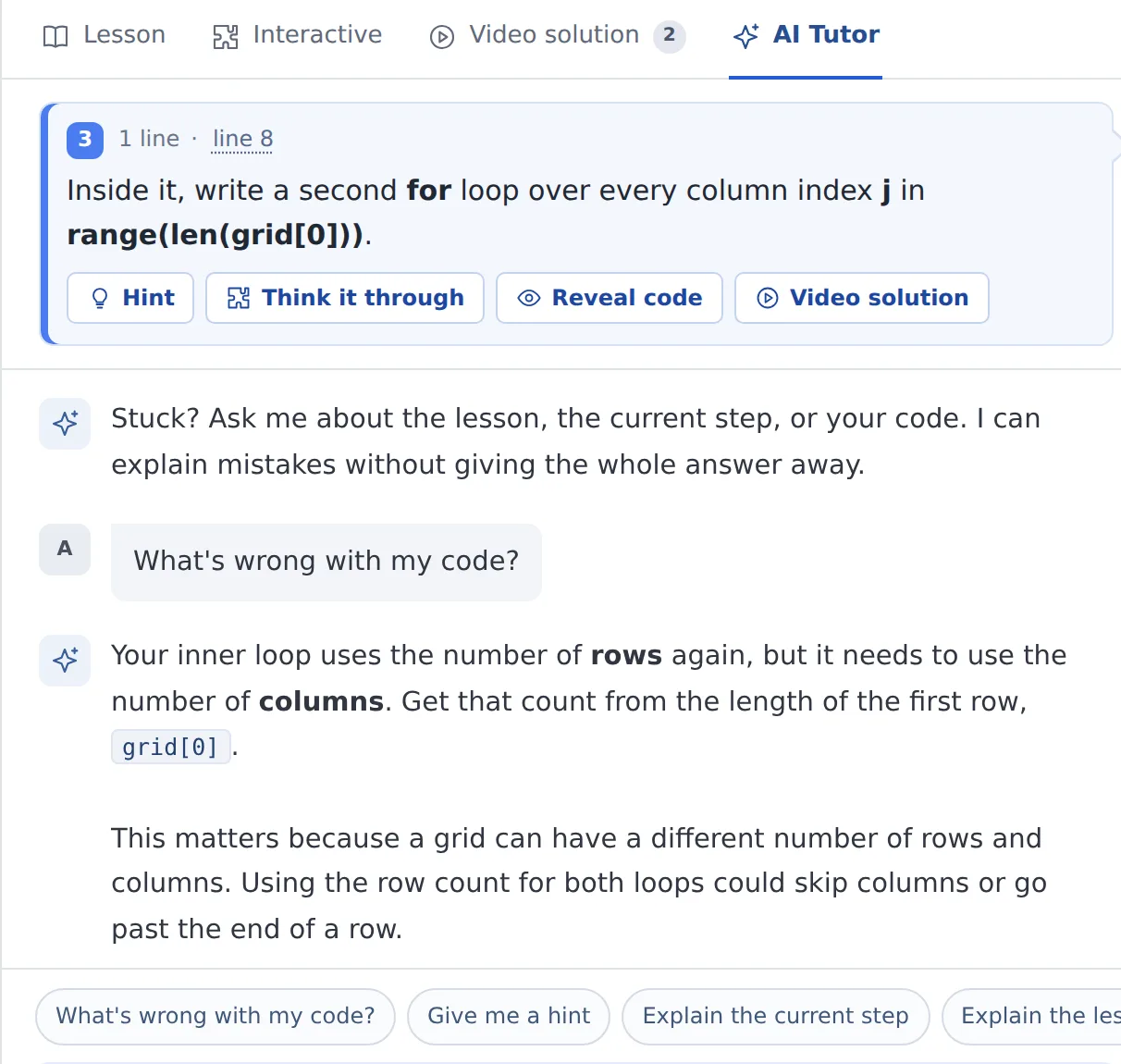
jinrange(n). Rowjof the result will hold columnjof the input, so the outer loop walks over the input's columns. - Loop over
iinrange(m)inside it. For a fixed columnj,iwalks down that column from the top row to the bottom row. - Copy one value:
result[j][i] = matrix[i][j]. The two indexes trade places, and that exchange is the transpose. - Return
resultafter both loops are done.
The solution in Python
class Solution:
    def transpose(self, matrix: List[List[int]]) -> List[List[int]]:
        m = len(matrix)
        n = len(matrix[0])
        result = [[0] * m for _ in range(n)]
        for j in range(n):
            for i in range(m):
                result[j][i] = matrix[i][j]
        return result
Why the grid is built with a list comprehension
The expression [0] * m makes one list of m zeros. Putting it inside [... for _ in range(n)] runs it n times, so every row is a separate list. The tempting shortcut [[0] * m] * n repeats a reference to one and the same row n times. Writing into one row then shows up in all of them:
bad = [[0] * 2] * 3
bad[0][0] = 9
print(bad)
[[9, 0], [9, 0], [9, 0]]
The name _ is only a convention for a loop variable that the body doesn't use.
Rows of a rectangle
The loop bounds do the shape work: j stops at n and i stops at m. If you swap them by mistake on a non-square grid, you get an IndexError from one of the two lists. On a square grid the mistake goes unnoticed, so test with a rectangle.
Complexity
Time is O(m * n): two nested loops, n passes of m assignments, plus the same number of zeros written while creating result. Space is O(m * n) for the returned grid, and the function needs nothing beyond that apart from a few variables.
Another way
Python can transpose with zip(*matrix). The star unpacks the rows into separate arguments, and zip then pairs up the first values, the second values, and so on, which gives the columns as tuples:
matrix = [[6, 0, -3], [2, 9, 4]]
print(list(zip(*matrix)))
print([list(row) for row in zip(*matrix)])
[(6, 2), (0, 9), (-3, 4)]
[[6, 2], [0, 9], [-3, 4]]
The tuples have to be converted back to lists, because the lesson wants a list of lists. The explicit loops teach the indexing that matrix problems keep needing, so they are the better exercise.
Edge cases and testing
- A single value,
[[5]], comes back as[[5]]. - A single row of
nvalues becomesnrows of one value; a single column becomes one row. - A square matrix such as
[[4, -7], [2, 0]]gives[[4, 2], [-7, 0]]: the diagonal stays put and the other two values trade places. - Negative numbers and repeats need no special handling, since values are only copied, never compared.
The two mistakes to avoid are sizing result as m rows of n (the shape of the input, not the output) and reusing one row object for every row of the result.